Photo collage sizes: the complete guide for Instagram, Facebook, wallpapers and print
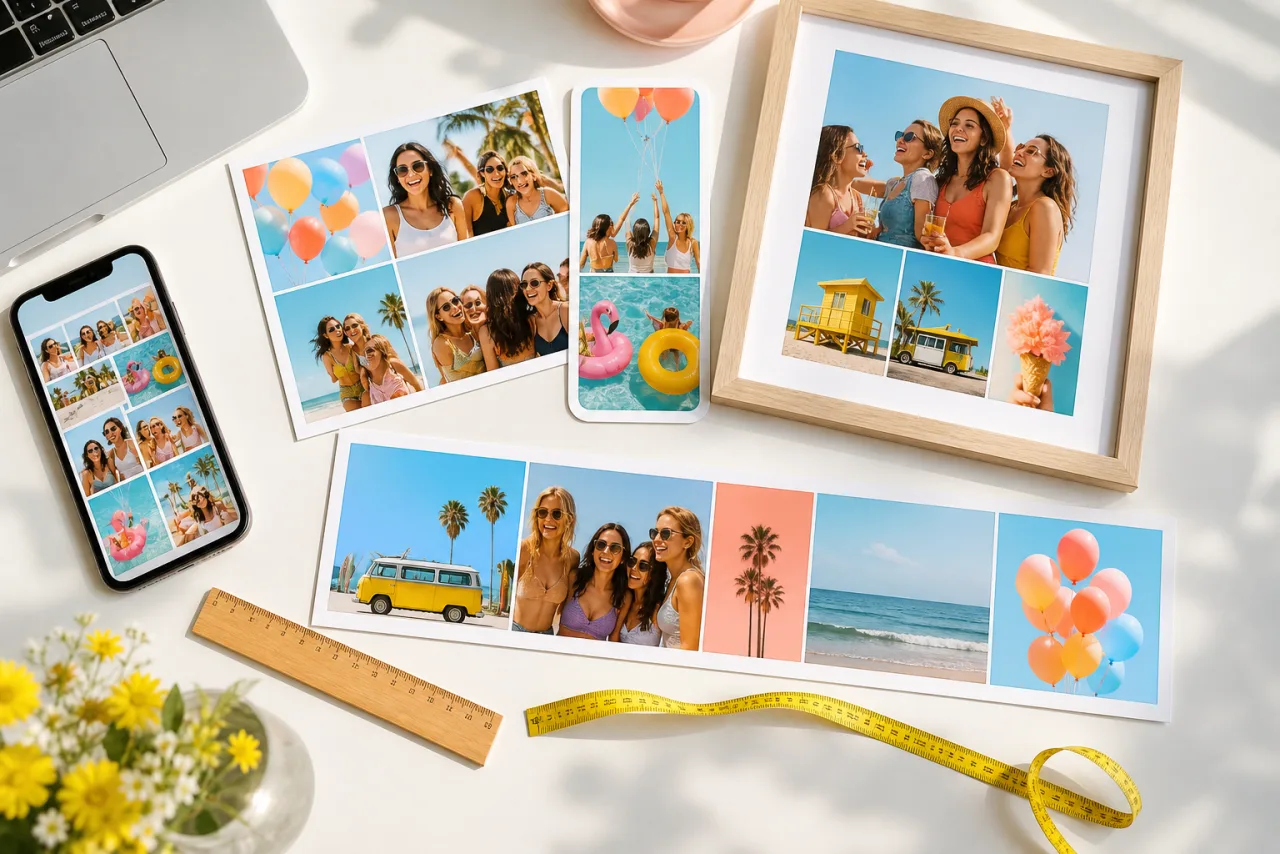
A collage that looks perfect in the editor can arrive cropped on Instagram, blurry on a 16x20 print or hidden behind the clock on a phone lock screen. The fix is to pick the size before you place the first photo. Here is every size you will need, in pixels, with the zones to keep clear.
1. The short answer
If you only need one number, here it is for the most common destinations. Every size is in pixels, width by height, at the resolution each platform or printer actually uses.
| Where the collage goes | Size | Ratio |
|---|---|---|
| Instagram square post | 1080 x 1080 | 1:1 |
| Instagram portrait post (takes the most feed space) | 1080 x 1350 | 4:5 |
| Instagram story, reel, TikTok, WhatsApp status | 1080 x 1920 | 9:16 |
| Facebook cover photo | 1640 x 624 | 820:312 |
| Pinterest pin | 1000 x 1500 | 2:3 |
| YouTube thumbnail | 1280 x 720 | 16:9 |
| Phone wallpaper (most recent iPhones) | 1179 x 2556 | about 9:19.5 |
| 8 x 10 inch print at 300 DPI | 2400 x 3000 | 4:5 |
| A4 print at 300 DPI | 2480 x 3508 | 1:1.41 |
In StudioCollage you do not type these numbers: you pick the destination and the canvas, the safe zones and the export size follow. The rest of this guide explains where each number comes from, so you know what to do when your case is not in the table.
2. Instagram: posts, the 3:4 grid, stories and reels
Instagram resizes every upload to 1080 pixels wide and compresses it once. A collage exported at exactly 1080 px wide keeps its sharpness; a larger one is downscaled (fine), a smaller one is stretched (visibly soft). Height depends on the format you choose.
| Instagram format | Size | Ratio | Notes |
|---|---|---|---|
| Square post | 1080 x 1080 | 1:1 | The classic grid collage |
| Portrait post | 1080 x 1350 | 4:5 | Tallest allowed in the feed, so the most screen space |
| Landscape post | 1080 x 566 | 1.91:1 | Smallest in the feed, avoid for collages |
| Carousel slides | same as posts | 1:1 or 4:5 | The first slide sets the ratio for all slides |
| Story and reel | 1080 x 1920 | 9:16 | Keep the top and bottom bands clear (below) |
| Profile picture | 320 x 320 | 1:1 | Shown as a circle |
The grid changed in January 2025. Profile thumbnails are now 3:4 rectangles instead of squares. Every post is cropped to 3:4 in the grid: a square collage loses a strip on the left and right, a 4:5 collage loses a sliver on each side, and a landscape collage loses a lot on the sides. The full image still opens when someone taps it. If you care about how your profile looks as a whole, build the collage at 4:5 and keep the important cells away from the left and right edges.






A square 2x2 grid and a 4:5 layout. On the 3:4 profile grid, the square one loses a strip on each side; the portrait one loses only a sliver.
Stories and reels are 1080 x 1920, but the app draws its own interface over the image: your name and the progress bar at the top, the reply box and buttons at the bottom. Keep faces and text out of roughly the top 250 pixels and the bottom 340 pixels. StudioCollage shades those two bands in the editor when you choose the story format, so a cell that lands there is visible at a glance. Story templates already respect them.
Let Auto lay them out, then fix what you want.
Free, no watermark, and your photos stay on your device.
Open StudioCollage3. Facebook: cover photo, posts and events
The Facebook cover is the one size people get wrong most often, because it displays differently on a computer and on a phone.
| Facebook format | Size | Notes |
|---|---|---|
| Cover photo, as displayed on a computer | 820 x 312 | Upload at 1640 x 624 for a sharp result on retina screens |
| Cover photo, as displayed on a phone | 640 x 360 | Taller and narrower: the sides of the desktop version are cut |
| Cover safe zone | 640 x 312 centered | Visible on both: keep faces and text inside it |
| Feed post, square | 1080 x 1080 | Works on Facebook and Instagram alike |
| Feed post, portrait | 1080 x 1350 | Same as Instagram |
| Feed post, landscape link style | 1200 x 630 | Also the size of a link preview |
| Event cover | 1920 x 1005 | 1.91:1 |
| Group cover | 1640 x 856 | Cropped on mobile, keep the center clear |
The profile picture sits over the bottom left corner of the cover on most layouts. Do not put a face there. The Facebook cover templates draw the hidden corner and the mobile crop so you can see what survives.
4. Pinterest, YouTube, X, LinkedIn and TikTok
| Platform | Size | Ratio | Notes |
|---|---|---|---|
| Pinterest pin | 1000 x 1500 | 2:3 | Tall pins get more space; longer than 2:3 gets cut in the feed |
| YouTube thumbnail | 1280 x 720 | 16:9 | Under 2 MB; a two-photo side-by-side reads well at small size |
| YouTube channel banner | 2560 x 1440 | 16:9 | Only the central 1546 x 423 shows on every device |
| X (Twitter) post | 1600 x 900 | 16:9 | 1:1 also displays uncropped |
| X header | 1500 x 500 | 3:1 | Profile picture covers the bottom left |
| LinkedIn post | 1200 x 627 | 1.91:1 | 1080 x 1350 also works in the feed |
| LinkedIn cover | 1584 x 396 | 4:1 | Profile picture covers the left side |
| TikTok, Snapchat, WhatsApp status | 1080 x 1920 | 9:16 | Same safe bands as Instagram stories |
One collage rarely fits all of these. The practical rule: make the 4:5 version first (Instagram, Facebook, LinkedIn all take it), then switch the format in the editor for the 9:16 story and the 2:3 pin. StudioCollage rearranges the cells to the new proportions and keeps your photos and their framing, so the second and third versions take a minute each.
5. Phone, tablet and desktop wallpapers
A wallpaper collage has to match the screen exactly, or the phone will crop it. These are the screen resolutions of the most common devices in 2026.
| Device | Size | Notes |
|---|---|---|
| iPhone 16, 15, 14 Pro | 1179 x 2556 | iPhone 14 and 13: 1170 x 2532; iPhone 16 Pro: 1206 x 2622 |
| iPhone 16 Plus, 15 Plus, 15 Pro Max | 1290 x 2796 | iPhone 16 Pro Max: 1320 x 2868 |
| iPhone SE (2022) | 750 x 1334 | 16:9 screen |
| Samsung Galaxy S24, S25 and A series | 1080 x 2340 | Galaxy S Ultra: 1440 x 3120; Pixel 8: 1080 x 2400; Pixel 9: 1080 x 2424 |
| iPad (10th gen, Air 11) | 1640 x 2360 | iPad Pro 13: 2064 x 2752 |
| MacBook Air 13 | 2560 x 1664 | MacBook Pro 14: 3024 x 1964; 16: 3456 x 2234 |
| Full HD monitor | 1920 x 1080 | 16:9 |
| QHD and 4K monitors | 2560 x 1440 and 3840 x 2160 | 16:9, also fine for TV screens |
On a phone lock screen, the clock takes the top quarter and notifications stack from the middle down. Put your favorite cell in the lower half and let the top be calm (sky, a wall, a plain color). On a home screen, app icons cover almost everything, so a wallpaper collage there works best as a soft, low-contrast pattern. The wallpaper presets in StudioCollage carry the exact sizes above; if your phone is not listed, type its resolution as a custom size.
6. Print sizes at 300 DPI
Printers think in inches and dots per inch, not pixels. The standard for a sharp photo print is 300 DPI: multiply the print size in inches by 300 to get the pixels you need. Below 200 DPI, edges start to look soft up close; for a large poster viewed from a few feet away, 150 DPI is acceptable.
| Print size | Pixels at 300 DPI | Pixels at 150 DPI (posters) |
|---|---|---|
| 4 x 6 in | 1200 x 1800 | not recommended |
| 5 x 7 in | 1500 x 2100 | not recommended |
| 8 x 10 in | 2400 x 3000 | 1200 x 1500 |
| 8.5 x 11 in (US Letter) | 2550 x 3300 | 1275 x 1650 |
| 11 x 14 in | 3300 x 4200 | 1650 x 2100 |
| 12 x 12 in (square) | 3600 x 3600 | 1800 x 1800 |
| 16 x 20 in | 4800 x 6000 | 2400 x 3000 |
| 18 x 24 in | 5400 x 7200 | 2700 x 3600 |
| 24 x 36 in (poster) | 7200 x 10800 | 3600 x 5400 |
| A4 (210 x 297 mm) | 2480 x 3508 | 1240 x 1754 |
| A3 (297 x 420 mm) | 3508 x 4961 | 1754 x 2480 |
Two more things printers need. Bleed: most print services trim about 3 mm (an eighth of an inch) around the edge, so do not put a border or a caption in the outer 36 pixels at 300 DPI. Color: export in sRGB, which is what phones produce and what every consumer printer expects. The print templates mark the trim margin so nothing important sits in it.
Tip. A collage with eight cells on an 8 x 10 print gives each photo about 1200 x 750 pixels of paper. A phone photo is 3000 to 4000 pixels wide, so it has room to spare. The problem appears when a cell is filled with a screenshot or a downloaded thumbnail of 600 pixels: that cell will print soft while the others are crisp. Check the smallest photo, not the biggest.
7. How to choose the size before you start
Start from the destination, not from the photos. Three questions settle it:
- Where will it be seen? Screen or paper. Paper needs far more pixels than any screen, so a print-size collage can be downscaled for social media, but not the other way round.
- Which ratio does that place impose? 4:5 for feeds, 9:16 for stories and phones, 2:3 for pins, 16:9 for video thumbnails and monitors, the paper ratio for prints. The ratio decides which layouts work: a 9:16 canvas wants stacked rows, a 16:9 canvas wants columns.
- How many photos? More cells means smaller cells. On a 1080-pixel-wide post, a 4x4 grid gives each photo about 265 pixels: fine for a phone screen, too small to show faces. Our guide on how many photos to put in a collage goes through the options.
If you want the collage in several places, make it at the largest size first and export the others from the same project. In StudioCollage, changing the format keeps every photo and its framing and simply rearranges the layout; for a print, choose the print preset so the export comes out at 300 DPI without any resizing step.
Frequently asked questions
What size should a photo collage be?
For social media, 1080 x 1350 pixels (4:5) is the safest default: it fills the Instagram and Facebook feed and survives the 3:4 profile grid. For a print, multiply the paper size in inches by 300; an 8 x 10 print needs 2400 x 3000 pixels.
Does Instagram reduce the quality of a collage?
It resizes every image to 1080 pixels wide and applies JPEG compression once. Exporting at 1080 pixels wide, as a PNG or a high-quality JPEG, gives Instagram nothing to resize and the least to compress.
Can I use the same collage for Instagram, Facebook and a story?
The 4:5 version works for Instagram and Facebook posts. A story needs 9:16 with the top and bottom bands kept clear, so make it a second export from the same project rather than letting the app crop the post.
What DPI should a collage be for printing?
300 DPI for anything you will hold or hang at eye level. 150 DPI is acceptable for a large poster seen from a distance. DPI is only a label until you print: what matters is having enough pixels for the paper size.
What if my photos are too small for the print size?
Use a layout with fewer, larger cells, or reduce the print size. A photo that is 1200 pixels wide prints sharply at 4 inches wide, soft at 8. Upscaling tools can help a little, but they cannot invent detail that was never captured.