Birthday photo collage templates
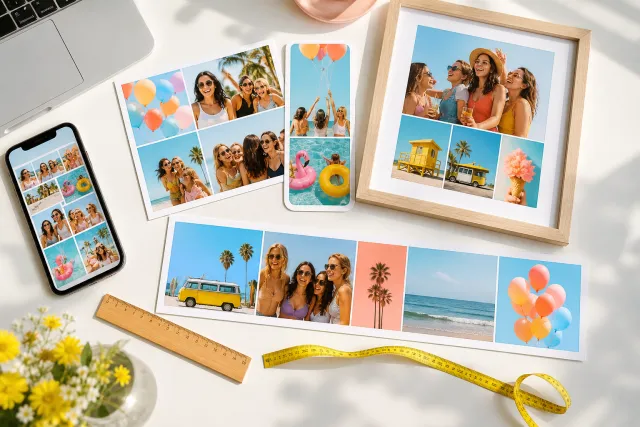
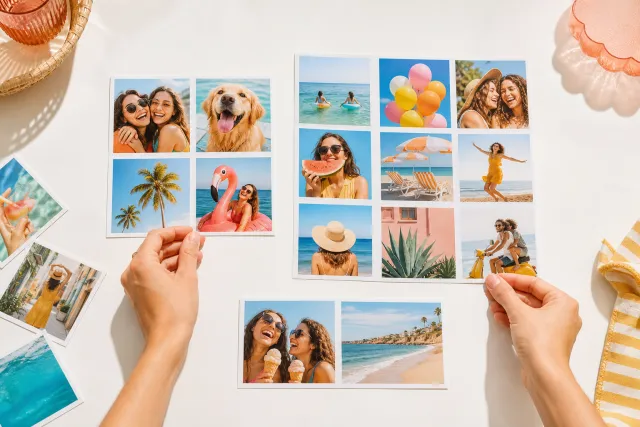
A birthday leaves you with two hundred photos and one problem: nearly all of them are of the cake. These layouts are built for the way a party actually gets photographed, so the good ones get room and the rest still make the page.
Square post 1080x1080
Portrait post 1080x1350
Story 1080x1920
A4 print 2480x3508
Every template here opens in the editor at a size that is already right for where it is going, so nothing gets cropped by Instagram or arrives soft on paper. Pick by the shape of your evening rather than by the look of the grid: if one photo is clearly the best of the night, take a layout with a hero cell; if it was a long party with lots of small moments, take an even grid and let the count do the work.

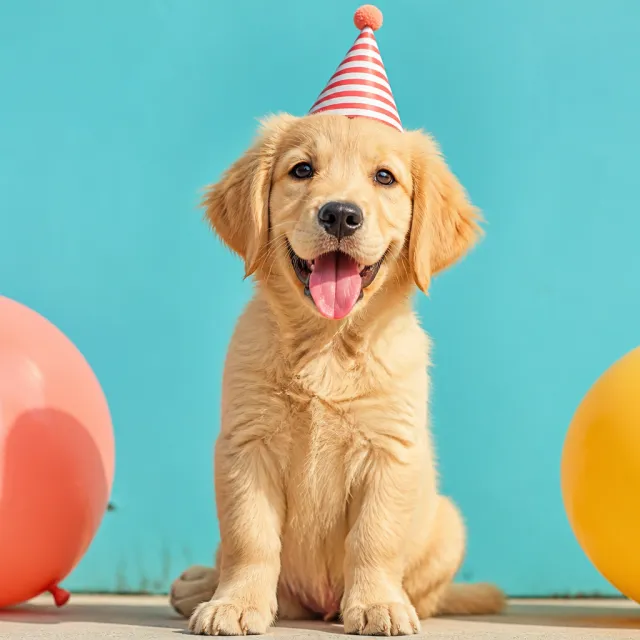
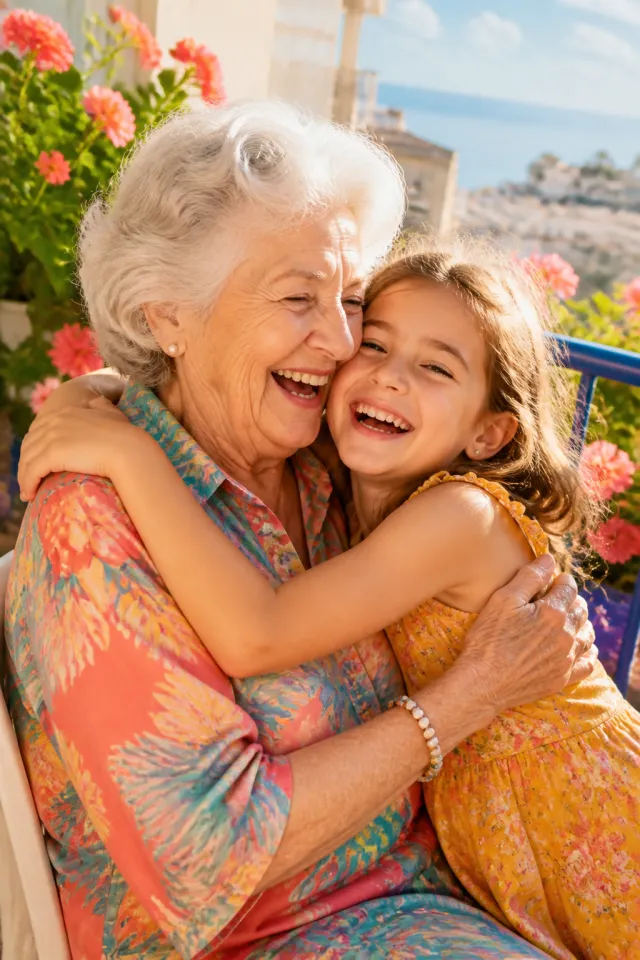
Made with StudioCollage
Every collage below was made in the editor itself, at full resolution. Open one to start from it.
 Open in the editor
 Open in the editor
 Open in the editor
 Open in the editor
 Open in the editor
 Open in the editor
 Open in the editor
 Open in the editor
 Open in the editor
 Open in the editor
 Open in the editor
 Open in the editor
 Open in the editor
 Open in the editor
 Open in the editor
 Open in the editor
 Open in the editor
 Open in the editor
 Open in the editor
 Open in the editor
 Open in the editor
 Open in the editor
 Open in the editor
 Open in the editor
 Open in the editor
 Open in the editor
 Open in the editor
 Open in the editor
 Open in the editor
 Open in the editor
1. Which layout for which part of the party
A birthday is not one moment, it is four, and they photograph very differently. Matching the layout to the one you actually have is most of the job.
| What you have | Layout to take | Why |
|---|---|---|
| One great photo and a lot of filler | Hero and two, or hero and three | The big cell carries the evening, the small ones give it context without competing |
| The cake, the candles, the faces watching | Three in a row | Reads as a sequence, which is what those three photos are |
| A long party, many small moments | Even grid of six or nine | No photo has to be good enough to be the hero |
| One person, several years | Four square, oldest to newest | The repetition IS the idea, so nothing should break the rhythm |
The mistake worth avoiding: choosing a nine cell grid because you have ninety photos. Nine cells means nine photos that each have to survive being small. Six good ones beat nine average ones every time.
2. How many photos, honestly
More photos is the instinct and it is usually wrong. At a normal viewing size, a face inside a cell of a nine photo grid is about the size of a fingernail, so anything that depended on an expression is gone.
- Two or three when one moment matters and you want it to land. A card, a story, a message.
- Four to six for a post. This is the range where faces still read and the collage still feels like a collage.
- Nine or twelve only for a print, where the paper is big enough that small cells still hold a face, or for a year of birthdays where the grid itself is the point.
If you cannot get below nine, that is usually a sign there are two collages in there: the party and the people.
3. What size to export, and for what
Choose this before you place the first photo. Changing it afterwards re-crops everything, and the crop is where faces get lost.
| Where it is going | Size | Watch out for |
|---|---|---|
| Instagram post | 1080 x 1080 | Nothing important in the outer 5 per cent |
| Instagram or WhatsApp story | 1080 x 1920 | The top and bottom 250 px sit under the interface |
| A printed card | 1748 x 2480 | A5 at 300 DPI, and leave a margin: printers trim |
| A framed print | 2400 x 3000 | 8 x 10 inches. Do not enlarge a phone screenshot to fill it |
The full table for every destination is in the sizes guide.
4. Ideas that suit the age
A first birthday and a fortieth want opposite things from a collage, and the layout should say so.
A first birthday. The whole year is the story, not the party. Twelve small cells, one per month, and the party photo in the middle. It is the one case where twelve is right, because nobody looks at that collage from across a room.
A child. Movement, not portraits. Take the blurry one where they are running. An even grid of six, no borders, so the photos touch and the whole thing reads as noise and cake.
An adult. Fewer photos, more air. Three or four, a generous border, one that is clearly the best. The restraint is what makes it feel like a gift rather than a phone dump.
A milestone. Then and now, side by side, same pose if you can manage it. Two cells, nothing else. This is the collage people actually keep.
Fifty more, sorted by occasion, are in the birthday ideas guide.
5. Make one
Click any template above and it opens in the editor at that size with the layout ready. Drop your own photos in, drag them between cells until the good one is in the big cell, and download. No account, no watermark, and the photos never leave your device.
If you would rather not choose, press Auto and the editor arranges your photos itself, giving the sharpest ones the biggest cells. It proposes several arrangements, so it is a starting point rather than a verdict.
Questions about Birthday collages
What size should a birthday collage be?
It depends where it is going, and you should set it before placing photos rather than after. 1080 x 1080 for an Instagram post, 1080 x 1920 for a story, 1748 x 2480 for a printed A5 card, 2400 x 3000 for an 8 x 10 inch frame. Changing the size later re-crops every cell.
How many photos should I put in a birthday collage?
Four to six for anything that will be seen on a phone. At nine or more, a face inside a cell is about the size of a fingernail, so any photo that depended on an expression stops working. Nine or twelve are worth it only for a print, or for a twelve month grid where the repetition is the idea.
Can I make a birthday collage for free without a watermark?
Yes. Every template here is free, there is no account, and nothing is added to the exported image. The editing happens in your browser, so the photos are never uploaded anywhere.
What is the best layout for a first birthday?
Twelve small cells, one photo per month of the year, with the party photo in the middle. It is the one case where twelve cells are right, because that collage gets looked at closely rather than from across a room.
Can I print a collage made here?
Yes, if you set a print size before you start. 1748 x 2480 for an A5 card, 2400 x 3000 for an 8 x 10 inch print. Both are 300 DPI, which is what a printer needs. Exporting at post size and enlarging it afterwards is what makes prints look soft.