How to make a photo collage for Instagram: sizes, the 3:4 grid, stories and carousels
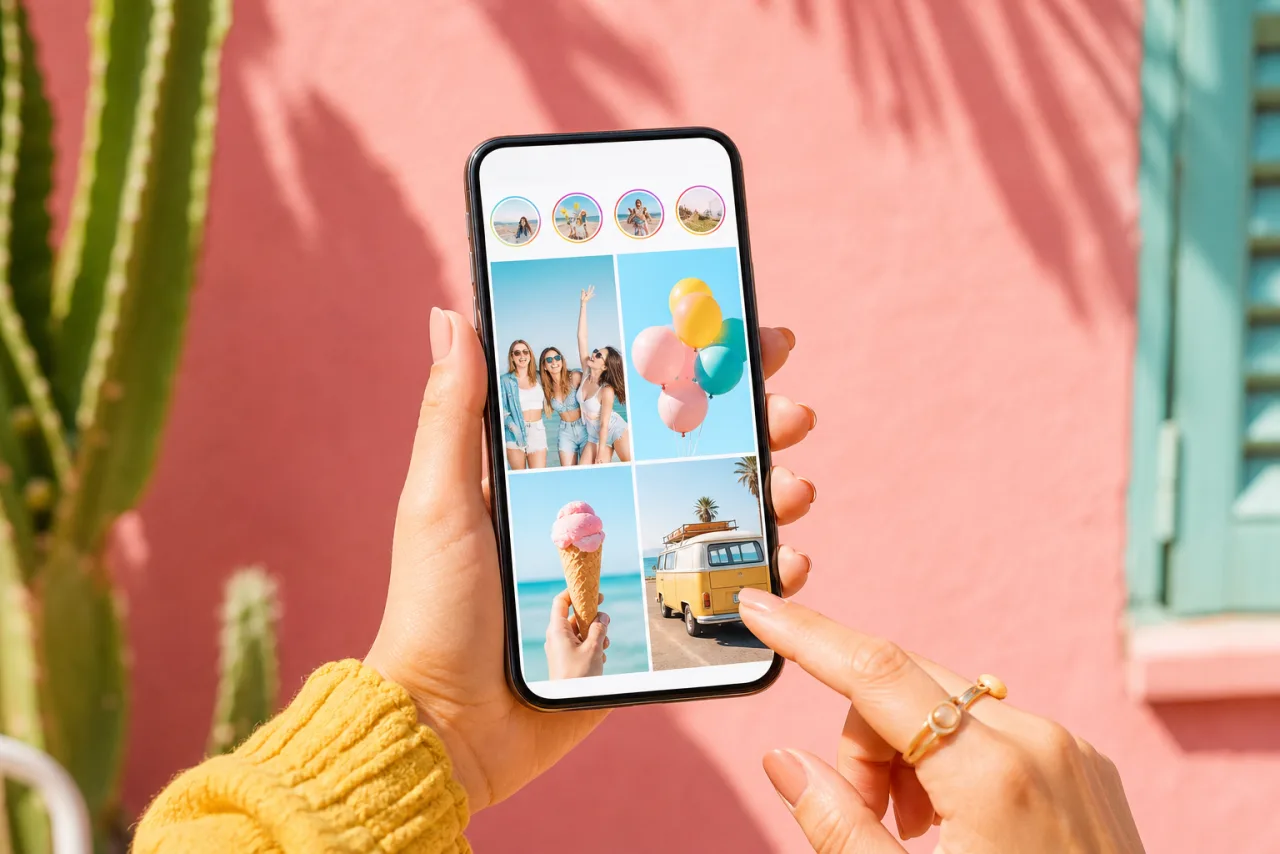
Instagram resizes, compresses, crops to a 3:4 thumbnail on your profile and hides part of every story behind its interface. A collage that looks great in the editor can arrive cut in half. Here is how to make one that survives the trip, in the feed, in the grid and in a story.
1. Pick the size first
Start from the format, not from the photos. Instagram resizes every upload to 1080 pixels wide; a collage exported at that width keeps its sharpness, a wider one is downscaled, a narrower one is stretched and softens.
| Instagram format | Size | Ratio | Notes |
|---|---|---|---|
| Portrait post | 1080 x 1350 | 4:5 | The most feed space; the best default for a collage |
| Square post | 1080 x 1080 | 1:1 | The classic grid collage; trimmed on the sides in the profile grid |
| Landscape post | 1080 x 566 | 1.91:1 | Smallest in the feed; avoid for collages |
| Story and reel cover | 1080 x 1920 | 9:16 | Keep the top and bottom bands clear |
| Carousel slides | same as posts | 1:1 or 4:5 | The first slide sets the ratio for all |
In StudioCollage, pick the Instagram format before adding photos: the canvas is at the right size and the export comes out at 1080 pixels wide without a resizing step. Every other platform size is in the sizes guide.
2. The 3:4 profile grid, and what it trims
In January 2025 Instagram changed the profile grid from squares to 3:4 rectangles. Every post is cropped to 3:4 in the grid, whatever its original ratio. The full image still opens when someone taps it, but the grid is what a visitor sees first.





A square 2x2 grid and a 4:5 layout. In the 3:4 grid, the square one loses a strip on each side; the portrait one loses only a sliver on each side.
- 4:5 collages lose about 6 percent on the sides, 35 pixels on each edge. Keep faces and captions out of that strip.
- Square collages lose about 12 percent on each side. A 2x2 grid keeps its four faces if they are centered in their cells; a 3x3 grid loses the edges of the outer columns.
- Landscape collages lose more than a third. Do not post them as collages; stack the photos instead.
If you care about how the profile looks as a whole, build at 4:5 and keep the important cells away from the left and right edges.
Let Auto lay them out, then fix what you want.
Free, no watermark, and your photos stay on your device.
Open StudioCollage3. Choose a layout that fits your photos
Count your photos and their orientation before you pick a grid. Three landscape shots want three rows, not three columns; one hero shot and a few details want a big cell with satellites around it.



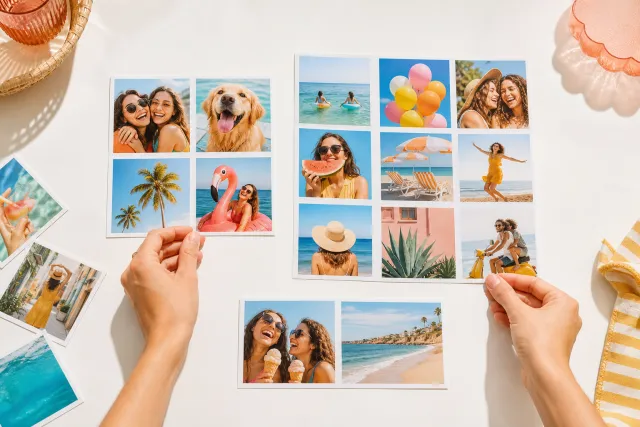
Same photos, two layouts. The right one gives the portrait room to breathe.
On a 1080 pixel wide post, two columns give cells of about 535 pixels, three columns about 355, four columns about 265. Faces need about 250 pixels to read on a phone, so six photos in a 3x2 grid is the practical maximum for a post. How many photos to put in a collage has a layout for every count. If you are not sure, press Auto: it reads the orientation of every photo and proposes several layouts that respect it.
4. Keep faces whole
The most common collage mistake is a cell that crops a face at the forehead. Zoom out in the cell until every head has air above it, or use a layout with a taller cell for portraits.
Tip. Auto collage detects faces and never lets a cell cut through one. Press it once, then compare with your own layout.
5. Stories: the two bands to keep clear
A story is 1080 x 1920, but Instagram draws its interface over the image: your name and the progress bar at the top, the reply box and the buttons at the bottom. Keep faces and text out of roughly the top 250 pixels and the bottom 340 pixels.
Two story layouts whose top row is calm (sky, water) so the interface covers nothing that matters.
StudioCollage shades the two bands when the story format is selected, so a cell that lands there is visible at a glance; the story templates already respect them. The Layout mode inside the Instagram story camera is the alternative for a quick one, with fixed grids and no control over gaps or sizes.
6. Collage or carousel?
Past six photos, a single collage turns faces into thumbnails. The carousel is the other tool: up to twenty slides, each a photo or a small collage, swiped one at a time.
- Collage when the photos belong together at a glance: a birthday, an outfit, a before and after, a set of products.
- Carousel when there are more than six, or when each photo deserves the full frame: a trip, a wedding, a portfolio.
- Both: a collage as the first slide, the individual photos behind it. The collage stops the scroll, the slides reward the swipe.
Keep every slide at the same ratio (4:5 works for both collage and single photos); the first slide decides the crop for all the others.
7. Export so Instagram does not soften it
Export at exactly 1080 pixels wide, as PNG if the collage has text or sharp borders, as JPG at high quality if it is photos only. Then post it from your phone without resizing: Instagram will do the last compression itself, once.
- Do not screenshot the collage: you would post a picture of a picture, at screen resolution.
- Do not send it through a messaging app first: most of them recompress images.
- Check the preview in the Instagram composer before posting, and reframe if the crop hits something important.
On a phone, StudioCollage runs in the browser with no app to install: pick the Instagram format, add the photos, press Auto or choose a layout, download, post. The other ways to make a collage on a phone, with their limits, are in the iPhone guide and the Android guide.
Frequently asked questions
What size should an Instagram collage be?
1080 x 1350 pixels (4:5) for a feed post: it takes the most space in the feed and survives the 3:4 profile grid with a sliver trimmed on each side. 1080 x 1080 for a square, 1080 x 1920 for a story. Always export at 1080 pixels wide.
How does the 3:4 profile grid crop my collage?
Since January 2025 every post is shown as a 3:4 rectangle on the profile. A square collage loses a strip on the left and right; a 4:5 collage loses only a sliver on each side; a landscape collage loses a lot on the sides. The full image still opens when tapped.
How many photos can I put in an Instagram collage?
Two to six for a post: a 3x2 grid gives each photo about 355 pixels, the smallest size where a face still reads on a phone. For more photos, make a carousel of several collages.
Can I make a collage inside the Instagram app?
Only for stories, with the Layout mode of the story camera (two to six photos in fixed grids). For a feed post, make the collage outside at 1080 x 1350 and post it as a photo.
Does Instagram reduce the quality of a collage?
It resizes everything to 1080 pixels wide and compresses it once. Export at exactly 1080 pixels wide, as PNG or high-quality JPG, so there is nothing to resize and the least to compress.