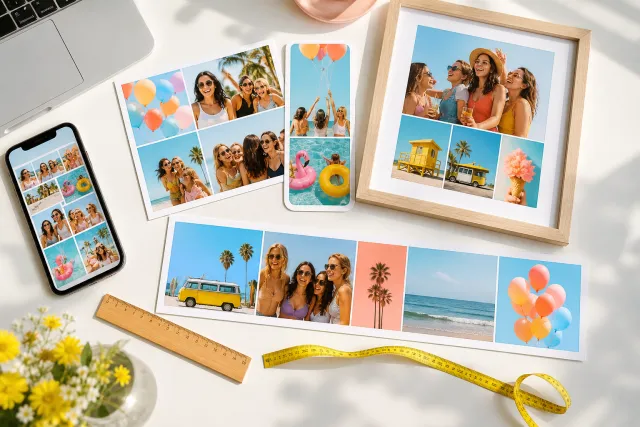
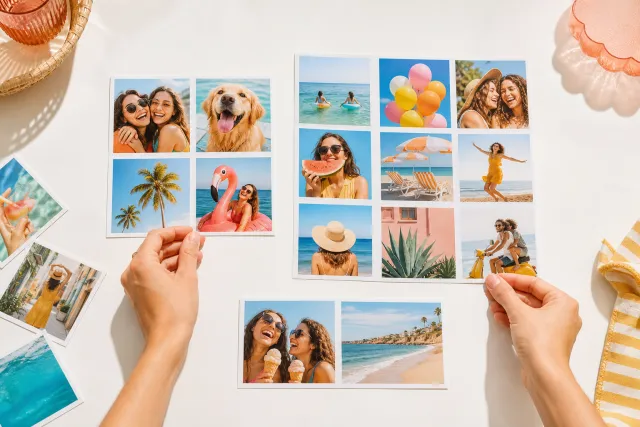
50 photo collage ideas, with the layout and the photo count for each
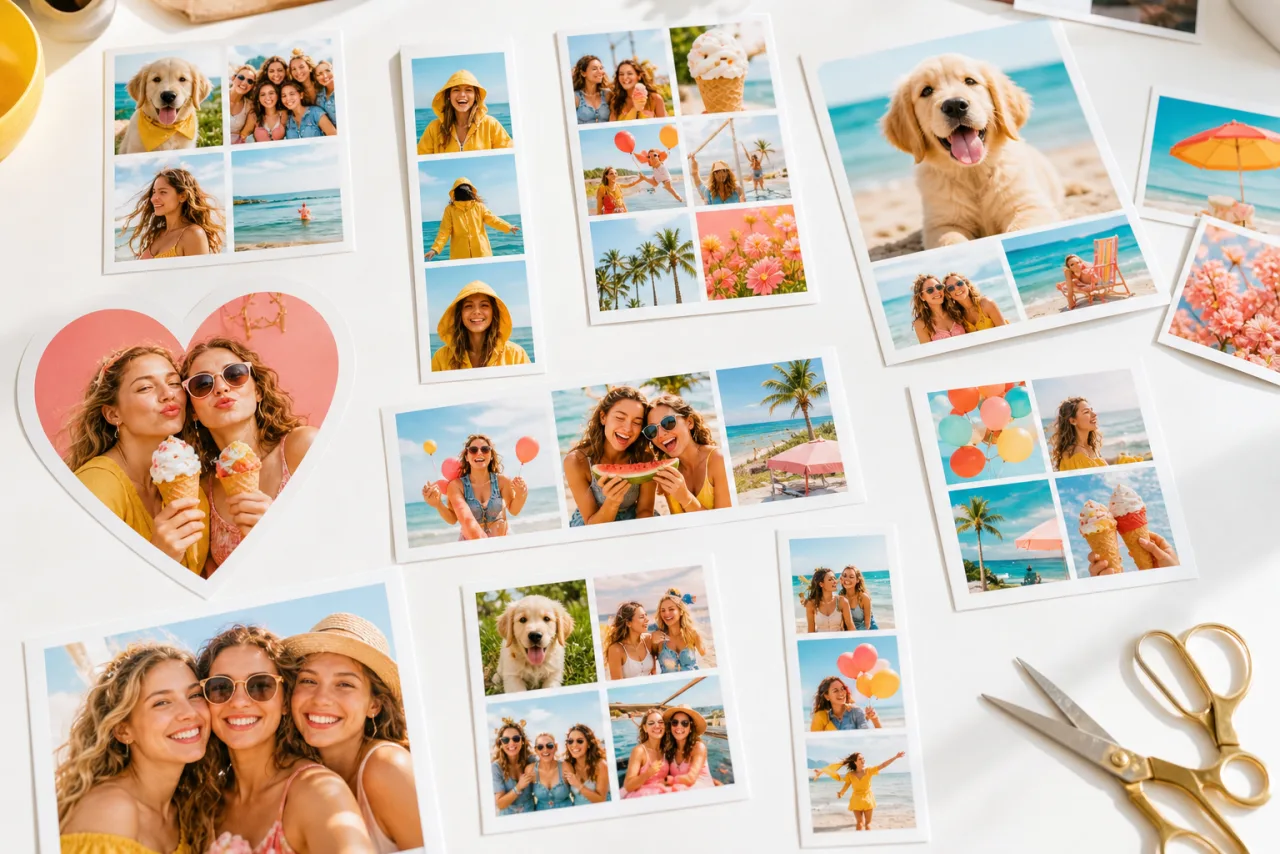
Most idea lists show you a picture and leave you to guess how it was built. This one gives you the layout and the number of photos for every idea, so you can go and make it. They are sorted by what you already have on your phone rather than by style, because that is the real starting point: fifteen photos of one weekend need a different collage from three photos taken a year apart.
1. Start from what you have
Before the list, the one decision that makes a collage work: count your photos and ask whether they are one moment or many.
| What you have | The layout that fits | Photos |
|---|---|---|
| One great shot and a few supporting ones | Big hero with small cells beside or under it | 3 to 5 |
| Several photos of equal interest, one occasion | Even grid, 2x2 or 3x2 | 4 to 6 |
| Many photos across a long period | Large grid or a timeline row | 9 to 16 |
| Two photos to compare | Side by side, equal halves | 2 |
| A sequence that has an order | A single row or column, left to right | 3 to 5 |
Everything below names its layout and its count, so you can jump straight to the one that matches your camera roll. More on the count in how many photos should be in a collage.
2. Family and people: 10 ideas
- 1. The four seasons of one child. Same spot, four times a year. 2x2 grid, 4 photos.
- 2. Three generations. Grandparent, parent, child, one cell each, cropped to the same head size. 3 columns, 3 photos.
- 3. The Sunday table. The food, the hands, the faces, the empty plates. 2x2 grid, 4 photos.
- 4. Everyone laughing. One cell per person, only shots where they are laughing. 3x3 grid, 9 photos.
- 5. The same pose, ten years apart. Two photos, equal halves, side by side.
- 6. A month of small moments. Nothing posed: the school run, the bath, the mess. 4x3 grid, 12 photos.
- 7. The house before it changed. Rooms, not people. 2x3 grid, 6 photos.
- 8. Hands. Everyone in the family, hands only, same background. 3x2 grid, 6 photos.
- 9. The reunion board. One photo per branch of the family, the group shot in the middle. Big plus four, 5 photos.
- 10. First and last day of school. Two photos, same doorstep, same bag. Side by side, 2 photos.
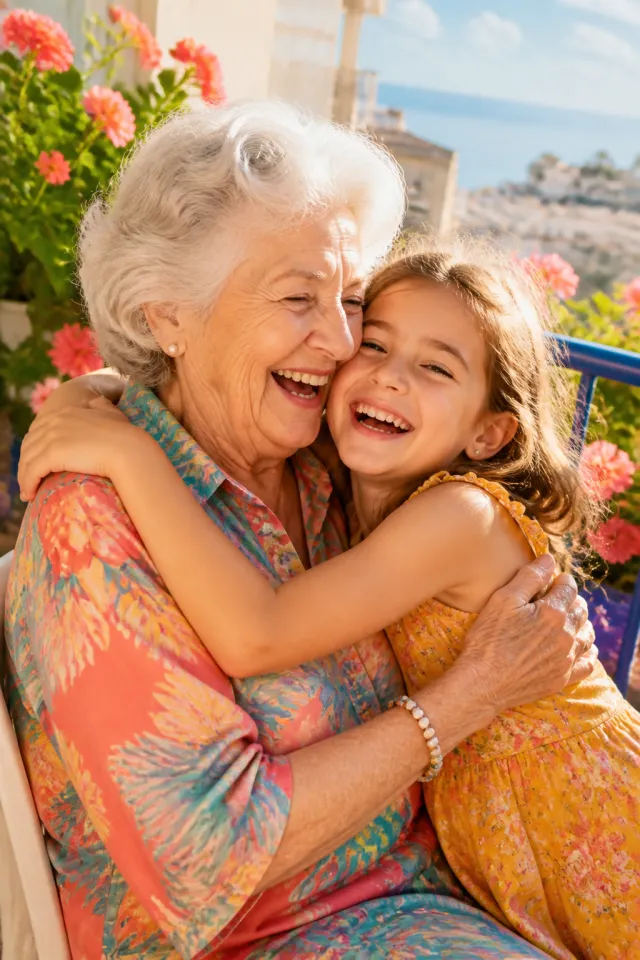
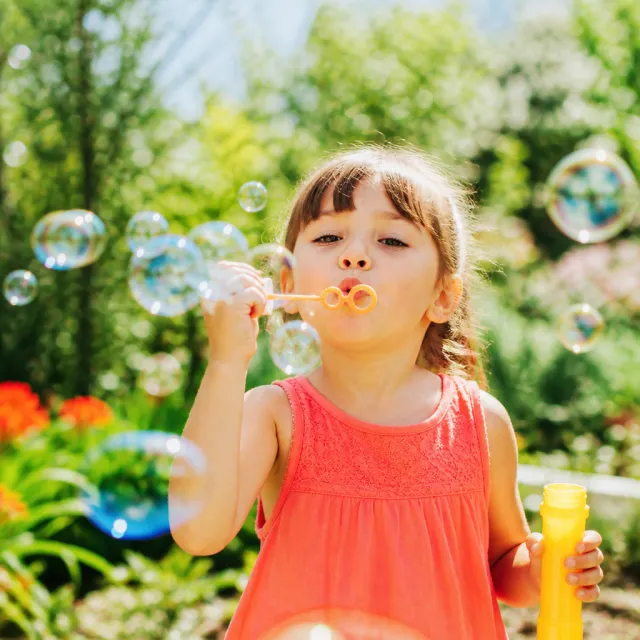


Idea 3 as a 2x2, and idea 2 as three equal columns. Crop each face to the same size and the row reads as one picture.
Let Auto lay them out, then fix what you want.
Free, no watermark, and your photos stay on your device.
Open StudioCollage3. Trips and summer: 8 ideas
- 11. One photo per day. A week away, seven cells, in order. 4x2 grid with one text cell, 7 photos.
- 12. The view and the detail. The wide shot big, three close-ups under it. Hero over a row, 4 photos.
- 13. Everything we ate. No landscapes at all. 3x3 grid, 9 photos.
- 14. The same horizon, three times. Morning, afternoon, sunset. 3 columns, 3 photos.
- 15. Feet. Every surface you stood on: sand, tiles, grass, a boat. 2x2 grid, 4 photos.
- 16. Doors and windows. One town, one subject, repeated. 3x2 grid, 6 photos.
- 17. The road trip strip. Stops in order, one long row for a wide print. 5 columns, 5 photos.
- 18. Two people, one place. Each of you in the same spot, taken by the other. Side by side, 2 photos.
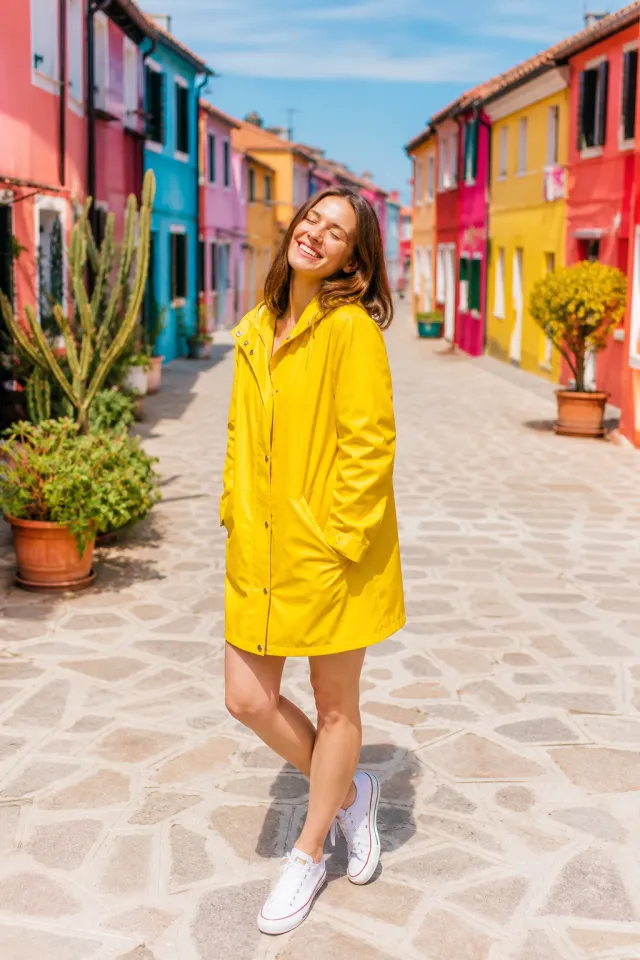




Idea 12 with the wide shot on top, and idea 17 as a five stop strip. The strip wants a wide format: see the sizes guide.
4. Celebrations: 10 ideas
- 19. The cake, the face, the mess. Three photos in order, one column. 3 rows, 3 photos.
- 20. Every guest. One cell each, whoever came. 4x3 grid, 12 photos.
- 21. The year in one grid. Twelve months, twelve photos, for a New Year post. 4x3 grid, 12 photos.
- 22. The toast. Glasses raised, four angles of the same second. 2x2 grid, 4 photos.
- 23. Before, during, after. The empty room, the party, the aftermath. 3 columns, 3 photos.
- 24. The birthday timeline. One photo per year of age, in a row. 5 columns or more, 5+ photos.
- 25. The decorations. Only the details, no people. 3x2 grid, 6 photos.
- 26. The dance floor. Motion blur welcome, the worse the better. Mosaic, 5 photos.
- 27. Two families becoming one. Each side, then the group. Big plus four, 5 photos.
- 28. The card. One hero photo, small ones around it, room for a name. Magazine, 5 photos.
Occasion by occasion, with sizes and print advice: how to print a photo collage.
5. Couples and friends: 7 ideas
- 29. The heart. One photo, heart shaped, nothing else. Heart, 1 photo.
- 30. Every anniversary. One photo per year, same order every time. Row, 5+ photos.
- 31. Where we met, where we live. Two places, no faces. Side by side, 2 photos.
- 32. The group chat. One cell per friend, the worst photo you have of each. 3x3 grid, 9 photos.
- 33. Same photo, five years running. Same bar, same seats, same pose. Row, 5 photos.
- 34. The proposal in three frames. Before, the moment, after. 3 rows, 3 photos.
- 35. Two phones, one night. Your camera roll and theirs, alternating. 4x2 grid, 8 photos.
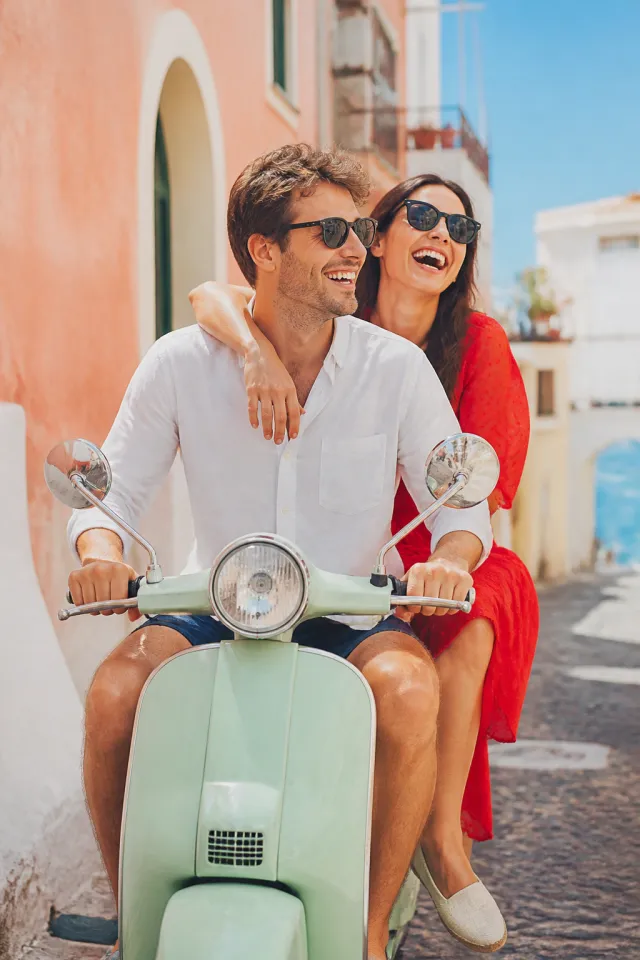

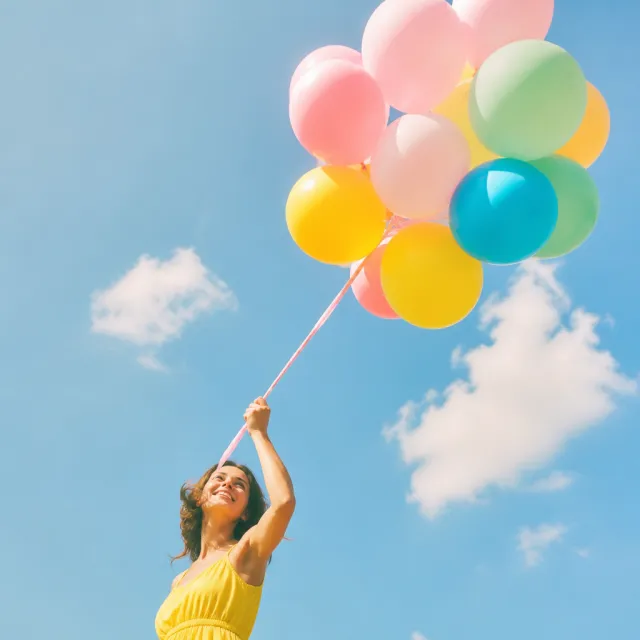
Idea 29 and idea 28: the heart wants one strong photo, the magazine layout wants one hero and four supporting shots.
6. Pets and everyday: 7 ideas
- 36. The same nap spot. One animal, one place, twelve days. 4x3 grid, 12 photos.
- 37. Puppy to dog. Four ages, same angle. 2x2 grid, 4 photos.
- 38. Ears. Nine close-ups, nothing else. 3x3 grid, 9 photos.
- 39. The morning. Coffee, window, cat, street. 2x2 grid, 4 photos.
- 40. What I made this year. A craft, a garden, a kitchen. 3x2 grid, 6 photos.
- 41. The commute. Same route, different weather. 3 columns, 3 photos.
- 42. One colour. Everything yellow you photographed this month. Mosaic, 5 photos.

Idea 38 as a nine cell grid and idea 42 as a mosaic. A single repeated subject carries a big grid; mixed subjects do better in uneven cells.
7. To print and to give: 8 ideas
- 43. The fridge grid. Nine photos, 8 x 10 inches, replaced every season. 3x3 grid, 9 photos.
- 44. The desk frame. Four photos, 5 x 7 inches, one for each person. 2x2 grid, 4 photos.
- 45. The long panorama. Five photos in a row for a 20 x 8 inch print above a doorway. 5 columns, 5 photos.
- 46. The bookmark. Three photos in a tall strip, laminated. 3 rows, 3 photos.
- 47. The moving card. The old place, the new one, the keys. 3 columns, 3 photos.
- 48. The thank you. Four photos of the day, printed as a 4 x 6 postcard. 2x2 grid, 4 photos.
- 49. The poster. Sixteen photos, A2 or larger, seen from across a room. 4x4 grid, 16 photos.
- 50. The phone wallpaper. Three photos in a tall stack, sized to your screen. 3 rows, 3 photos.
Print sizes in pixels, DPI and safe margins are in how to print a photo collage. If the collage is for a feed instead, the Instagram guide has the exact export sizes.
8. Make it
Pick an idea, then open StudioCollage and choose the destination first: post, story, card or print. The canvas and the export size follow from that, so nothing gets recropped later.
Add the photos, then either take the layout the idea names, or press Auto and look at the proposals: the generator reads the shape of each photo and the position of the faces, so mixed portrait and landscape shots land where they fit instead of being squeezed into squares. Every cell stays editable afterwards.
Next: how many photos to use and every size in pixels.
Frequently asked questions
How do I choose a collage idea?
Start from the photos, not from the style. Count what you have and look at whether they are one moment or many: three photos of one afternoon want a big hero with two beside it, twelve photos of a year want an even grid. The number decides the layout more than the occasion does, which is why every idea below names both.
How many photos should a collage have?
Four to six for a social post, nine to twelve for a print, two for a comparison. Past about sixteen the faces get too small to recognise at normal viewing distance, so a wall of twenty is a poster you stand close to, not something to put in a feed.
What is the easiest collage idea for a beginner?
A 2x2 grid of four photos from the same day. Same light, same place, four cells the same size: it looks deliberate with no effort. The second easiest is one big photo with two small ones beside it, which works whenever one shot is clearly better than the rest.
Can I mix portrait and landscape photos in one collage?
Yes, and it looks best when the layout expects it rather than fights it. Put the landscape shots in wide cells and the portraits in tall ones instead of forcing everything into squares, or let auto collage sort them: it reads the shape of each photo and places it where it fits without cropping the subject out.
What size should the collage be?
It depends on where it goes: 1080 x 1080 for an Instagram post, 1080 x 1920 for a story, 2400 x 3000 for an 8 x 10 inch print at 300 DPI. Pick the size before you place the first photo, because changing it afterwards recrops everything.