Graduation photo collage ideas: from kindergarten to cap and gown
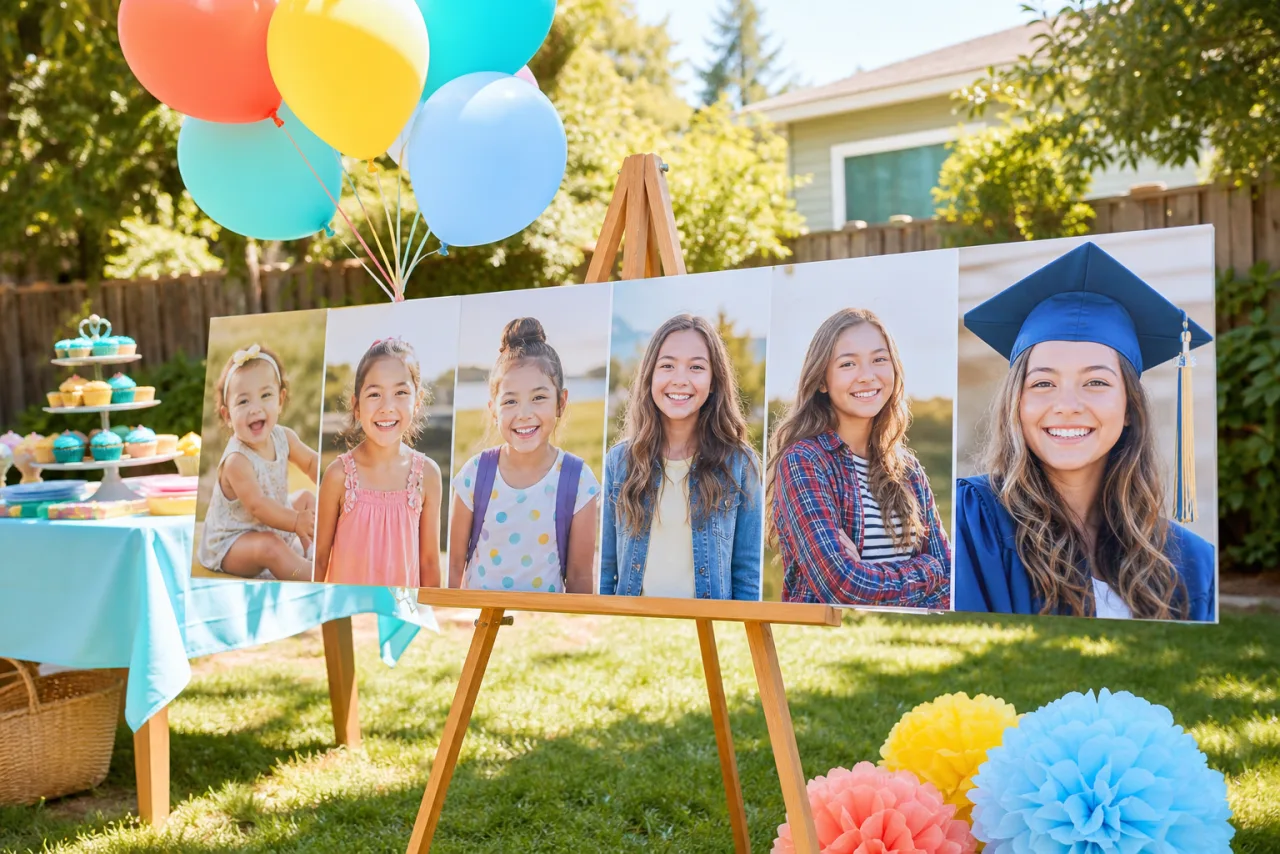
Graduation is the one occasion where the timeline collage is not a gimmick: a row of school photos from five years old to the cap and gown tells the whole story in one line. Here are the layouts for that, for the party board, for the announcement card and for the senior year, with the sizes for each.
1. The timeline: 4 ideas
- Kindergarten to senior. The thirteen school photos in a row, in order, same crop. 13 columns on a wide board, or two rows (7 and 6) on a poster. The cap and gown photo closes the row.
- First day and last day. The first day of kindergarten next to the last day of senior year, two photos side by side, equal cells. Stage the last-day photo like the first: same doorstep, same backpack pose.
- One per school. Elementary, middle, high school, graduation: four columns, one photo each.
- The face through the years. Nine school portraits cropped tight on the face in a 3x3 grid. The change from cell to cell is the whole collage.

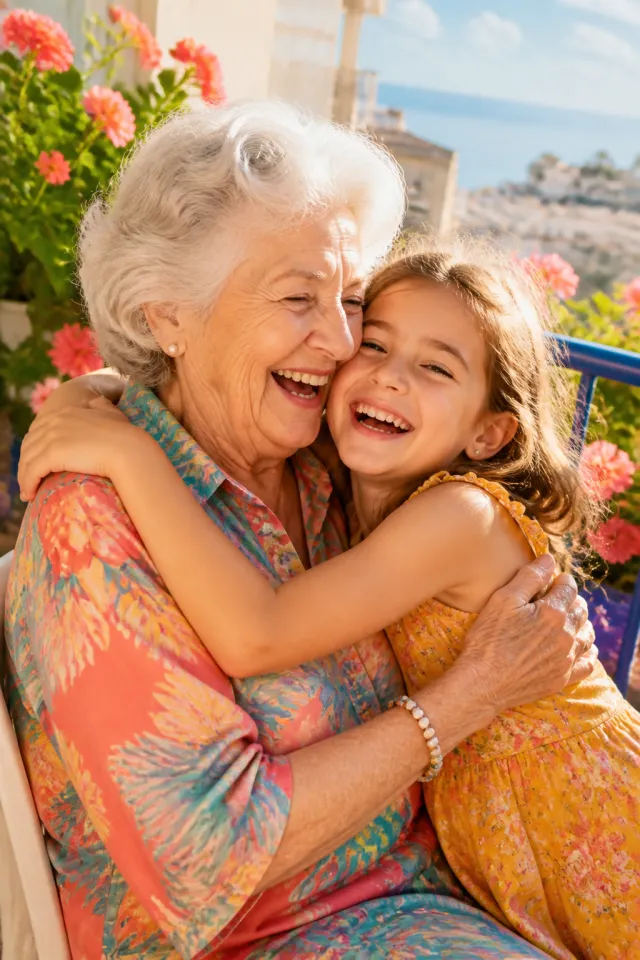



Five stages in a row for a wide print or a Facebook cover, and first day next to last day. Faces at the same height make the timeline.
2. The party board: 3 ideas
- The hero and the years. The cap and gown portrait big, the school years in a strip of small cells underneath. Hero over a row, fourteen photos, printed at 16 x 20 or 20 x 30 on foam board for the easel.
- The senior year. Twelve moments of the last year in a 4x3 grid: the team, the play, prom, the car, the friends, the last exam. Printed at 11 x 14 for the gift table.
- The number. The graduation year as a big number filled with photos, a poster at the entrance. Twenty photos or more.
For the board: design at the print size from the start, at 300 DPI for 16 x 20 (4800 x 6000 pixels) or 150 DPI for a 20 x 30 seen from across the yard. Drugstore photo counters print posters in a day; see how to print a photo collage.
Let Auto lay them out, then fix what you want.
Free, no watermark, and your photos stay on your device.
Open StudioCollage3. The announcement and the thank-you card: 3 ideas
- The portrait and three. The senior portrait in a tall cell on the left, three small ones on the right (a candid, the team, a childhood photo). Tall and three, four photos, 5 x 7 card with the date in a text cell.
- Then and now card. Kindergarten on the left, cap and gown on the right, the name and the year below. Two photos.
- The thank-you. A 2x2 of the party for the thank-you notes: the cake, the board, the family, the graduate. Printed as a 4 x 6.
4. For the feed: 4 ideas
- The friends grid. One cell per friend in cap and gown, 3x3, the group photo as the center cell.
- The cap toss. A story strip of three frames: before, in the air, landed. 9:16, three photos stacked.
- Four years in four. Freshman to senior, one photo per year, 2x2 grid for a square post.
- The recap. The ceremony big, four small moments around it. Magazine layout, five photos, 4:5.




The friends grid with the group in the center, and the ceremony recap. Both at 1080 x 1350 for the feed.
5. Make it
- Open StudioCollage, pick the destination: poster, card or post.
- Add the photos in order, oldest first. For a timeline choose the row or the grid; or press Auto and pick the proposal where every face is whole and at the same height.
- Reframe each school photo on the head and shoulders; the years line up by the eyes.
- Add the name, the school and the year in a text cell, one font. Download without watermark, print or post.
The family templates include the timeline rows and the hero-over-a-row layout. For the count per layout, how many photos to put in a collage; for every size, photo collage sizes.
Frequently asked questions
What photos go in a graduation collage?
The school-year photos from kindergarten to senior year for a timeline, the cap and gown portrait as the hero, and the senior year moments (friends, the team, prom, the last day) for a recap. One clear portrait plus the timeline is the most common combination.
How many photos for a graduation party board?
Twelve to twenty on a 16 x 20 or 20 x 30 board: the thirteen school years in a row plus a few big moments. Keep the cap and gown photo at least twice the size of the others.
What size is a graduation announcement collage?
5 x 7 inches (1500 x 2100 pixels at 300 DPI) for a printed card, 1080 x 1350 for an Instagram post, 1080 x 1920 for a story. Design it at the size it will be used at; the timeline needs the width.
Can I make the timeline with photos of different sizes?
Yes. Put them in equal cells and reframe each one on the face so the eyes sit at the same height; school portraits usually match once cropped to the head and shoulders. Auto collage does the face alignment for you.
How early should I make it?
The party board needs printing time: design it two weeks before the party and order a week ahead. The announcement goes out four to six weeks before the ceremony, so the senior portrait is the only photo you need to wait for.